
Give guests one simple QR code to access WiFi details, house rules, appliance instructions, check-out information, local recommendations, maps, images and videos from their phone.
The QR code itself stays simple: guests scan it with their phone camera and open your digital guest guide in their browser.
Inside the guide, you can organize the information guests usually need during their stay: WiFi details, house rules, appliance instructions, check-out notes, local recommendations, restaurants, supermarkets, maps, images and videos.
You can update the guest guide anytime without changing the printed QR code inside your Airbnb.
Instead of sending information across different messages, printed sheets or PDFs, MyQRBnB lets you connect your Airbnb QR code to one organized guest guide.
Guests can scan the QR code and quickly find the answers they need without downloading an app or creating an account.
 WiFi name and password
 House rules
 Check-out procedures
 Appliance instructions
 Parking information
 Local restaurants and supermarkets
 Images and videos
 Useful tips for the stay
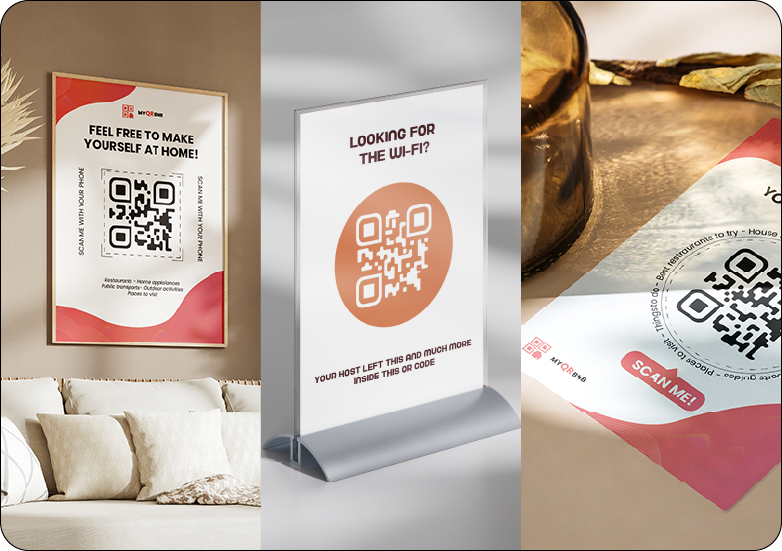
Your QR code should be easy for guests to notice and scan.
MyQRBnB templates help you turn your QR code into a clear, beautiful access point for your guest guide, with styles that can fit different Airbnb interiors.
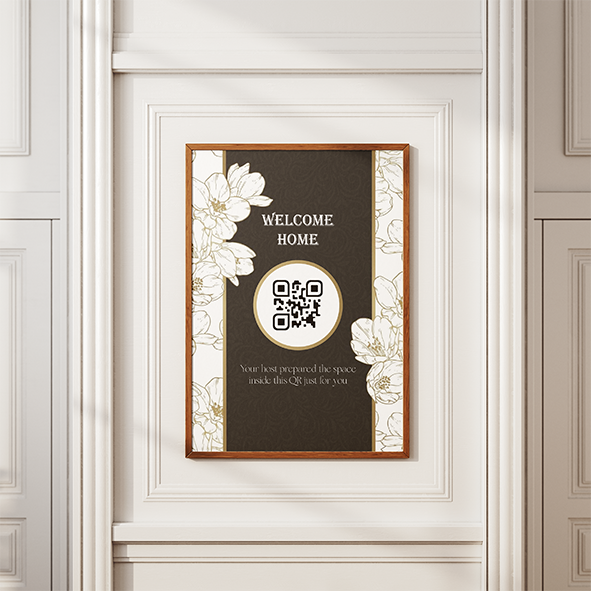 [Nature] Floreal Pattern Painting
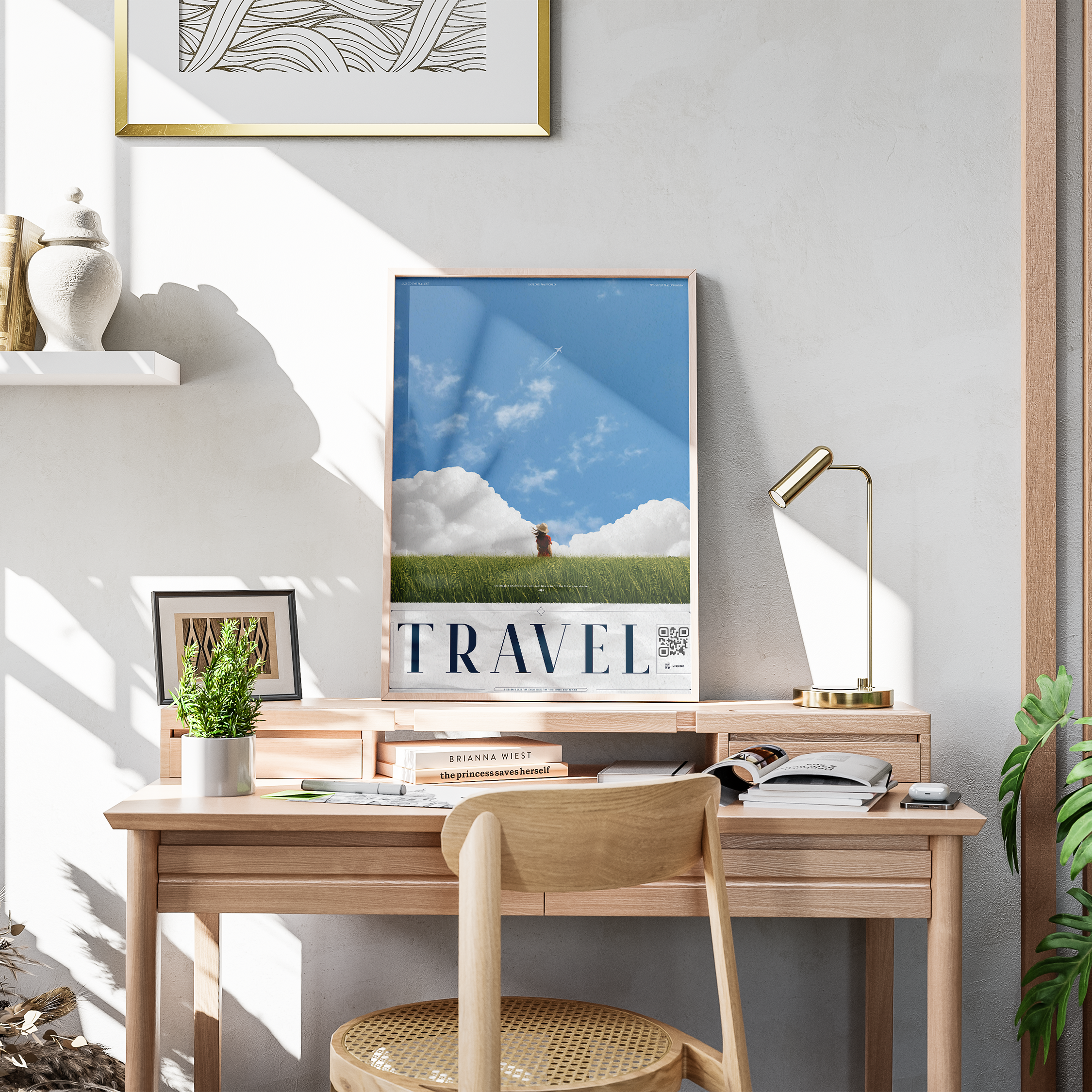 Travel Art Painting
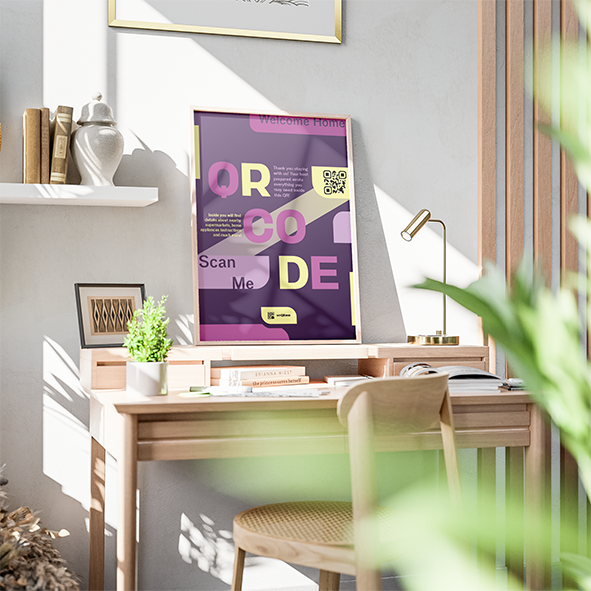 [Colorful] Contemporary Art Painting
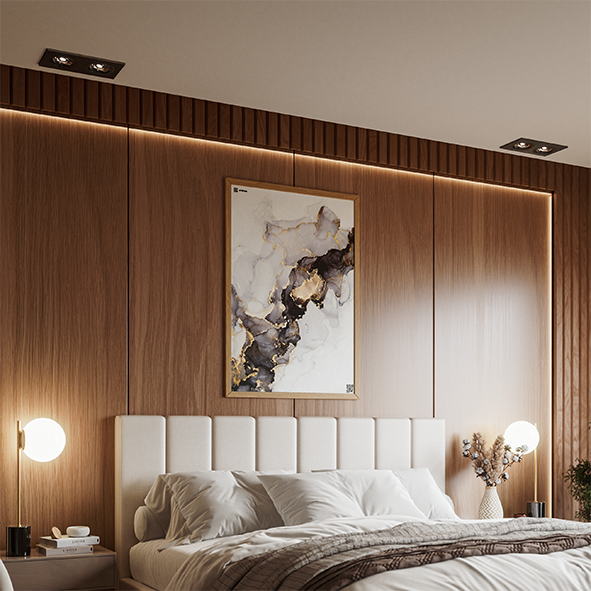 [Luxury] Marble Pattern Painting
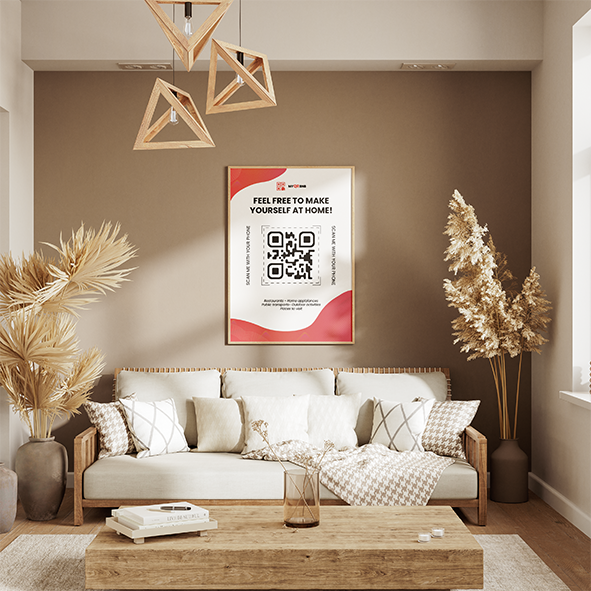 [Colorful] Orange Shade Painting
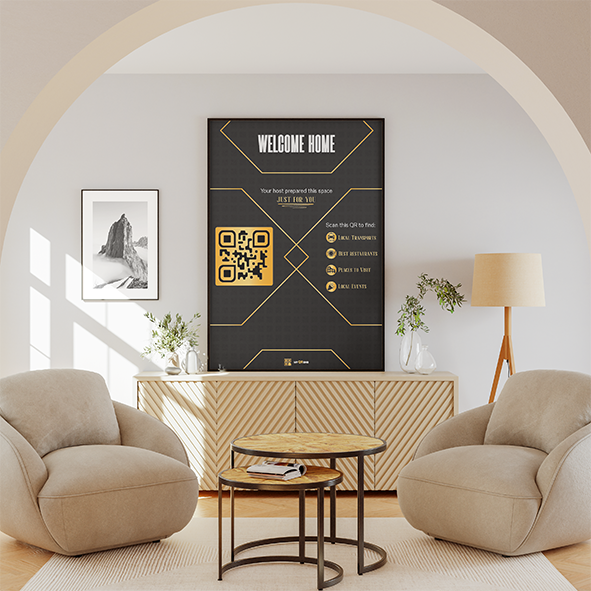 [Luxury] Golden Black Painting
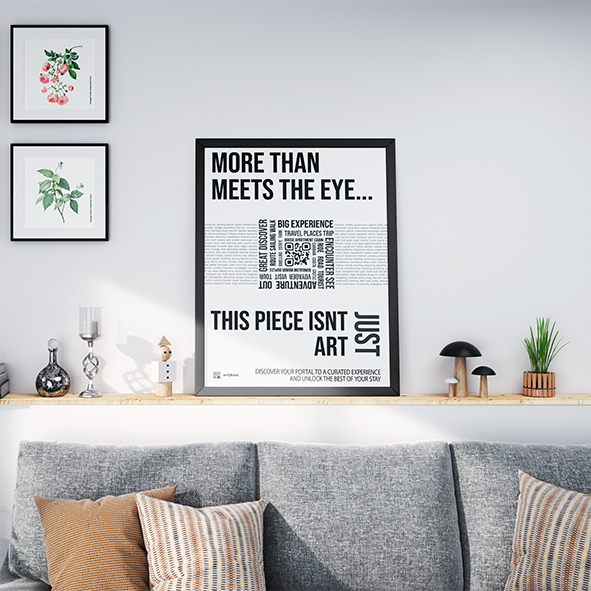 [Modern] Swiss Style Painting
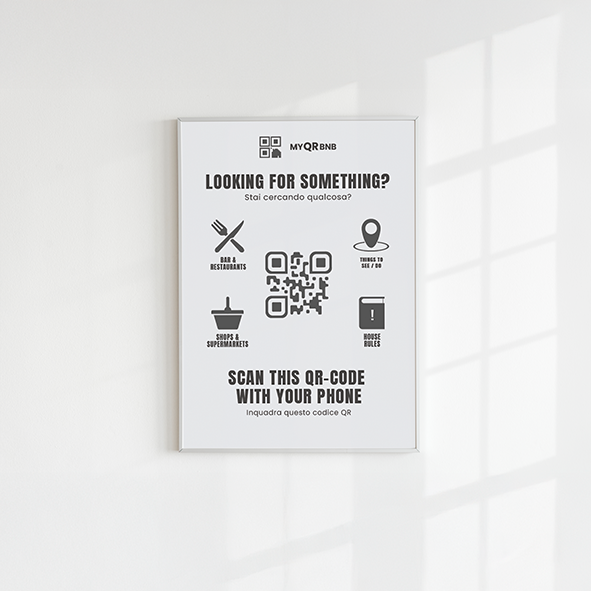 [Minimal] Gray Minimal Painting
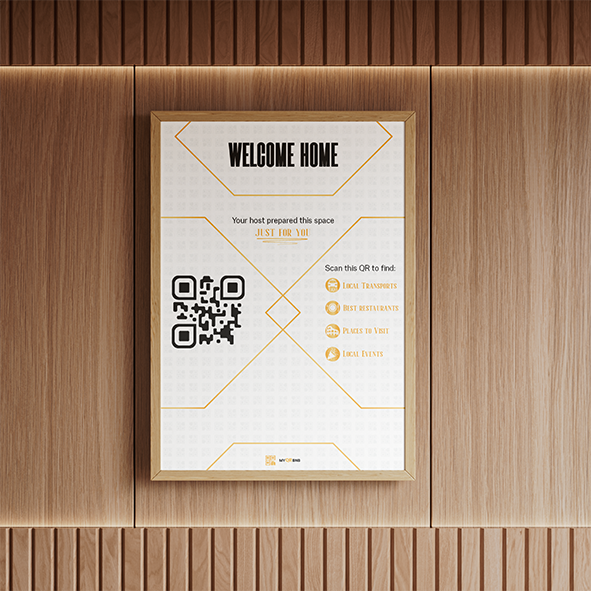 [Luxury] Golden White Painting
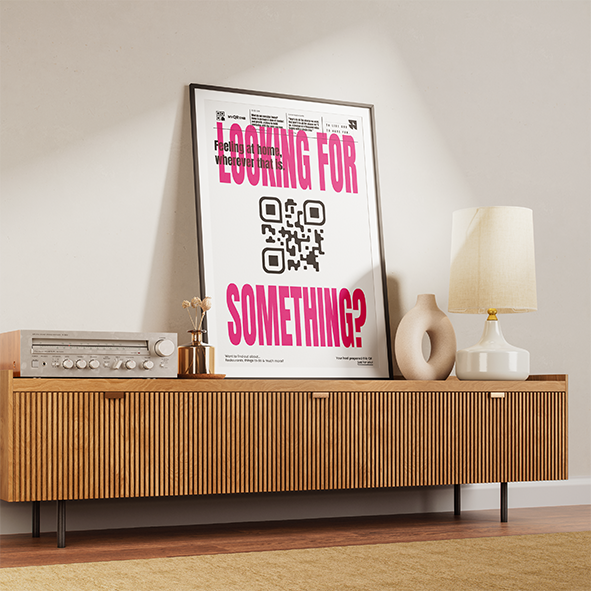 [Minimal] Modern Typography Painting
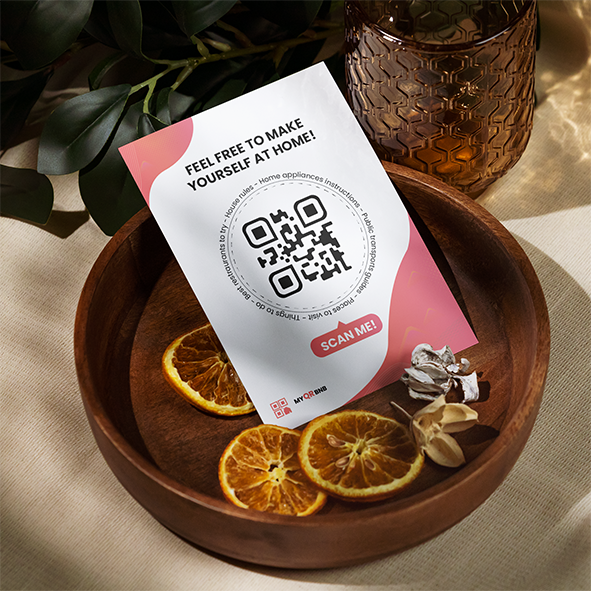 [Colorful] Orange Shade Sheet
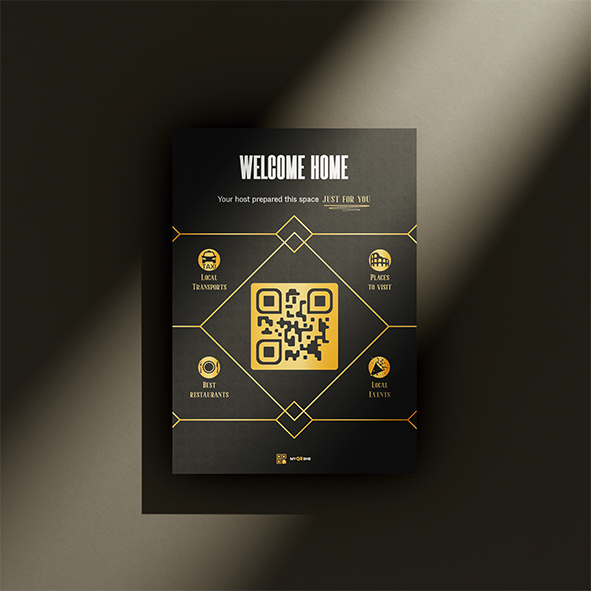 [Luxury] Golden Black Sheet
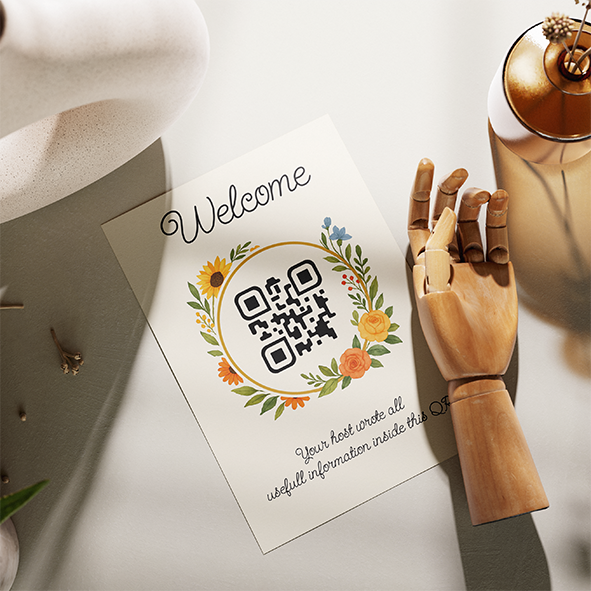 [Nature] Floreal Design Sheet
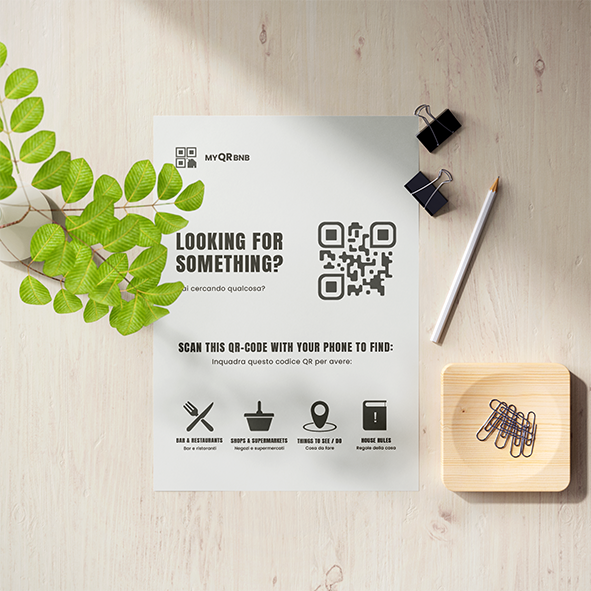 [Minimal] Gray Minimal Sheet
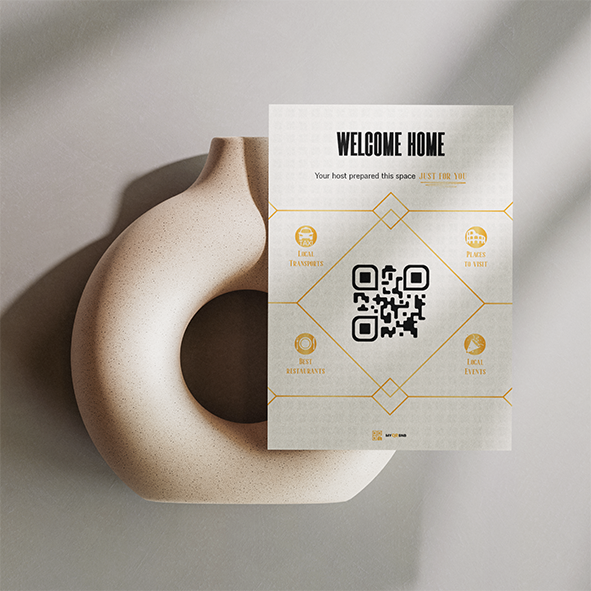 [Luxury] Golden White Sheet
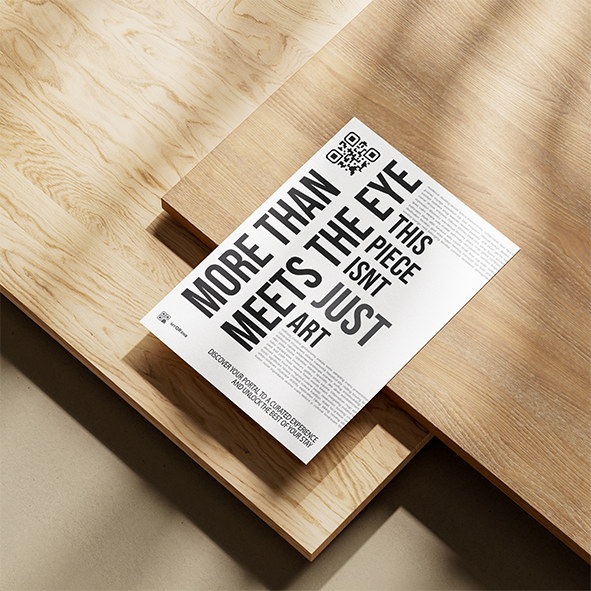 [Modern] Swiss Style Sheet
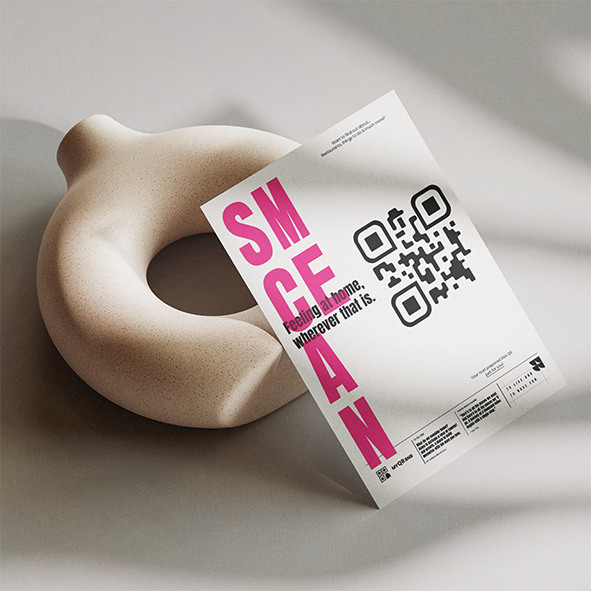 [Minimal] Modern Typography Sheet
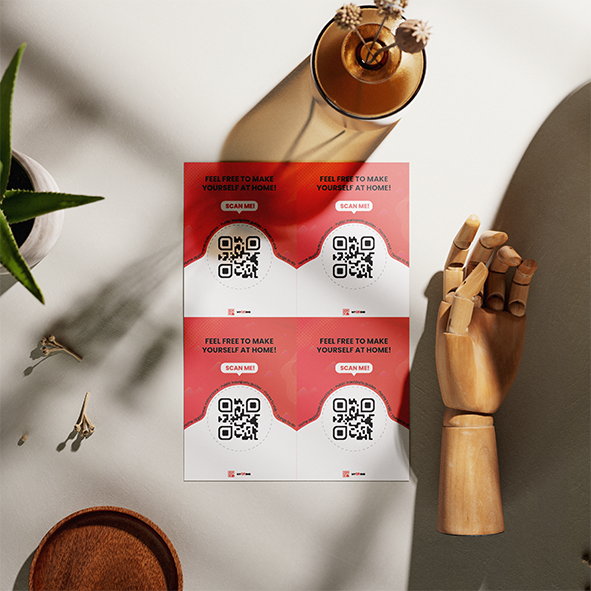 [Colorful] Orange Shade Mini-Graphics
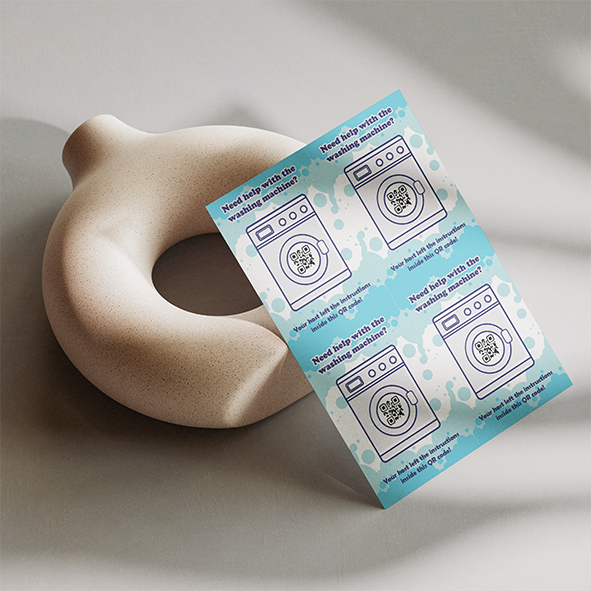 A6 Washing Machine
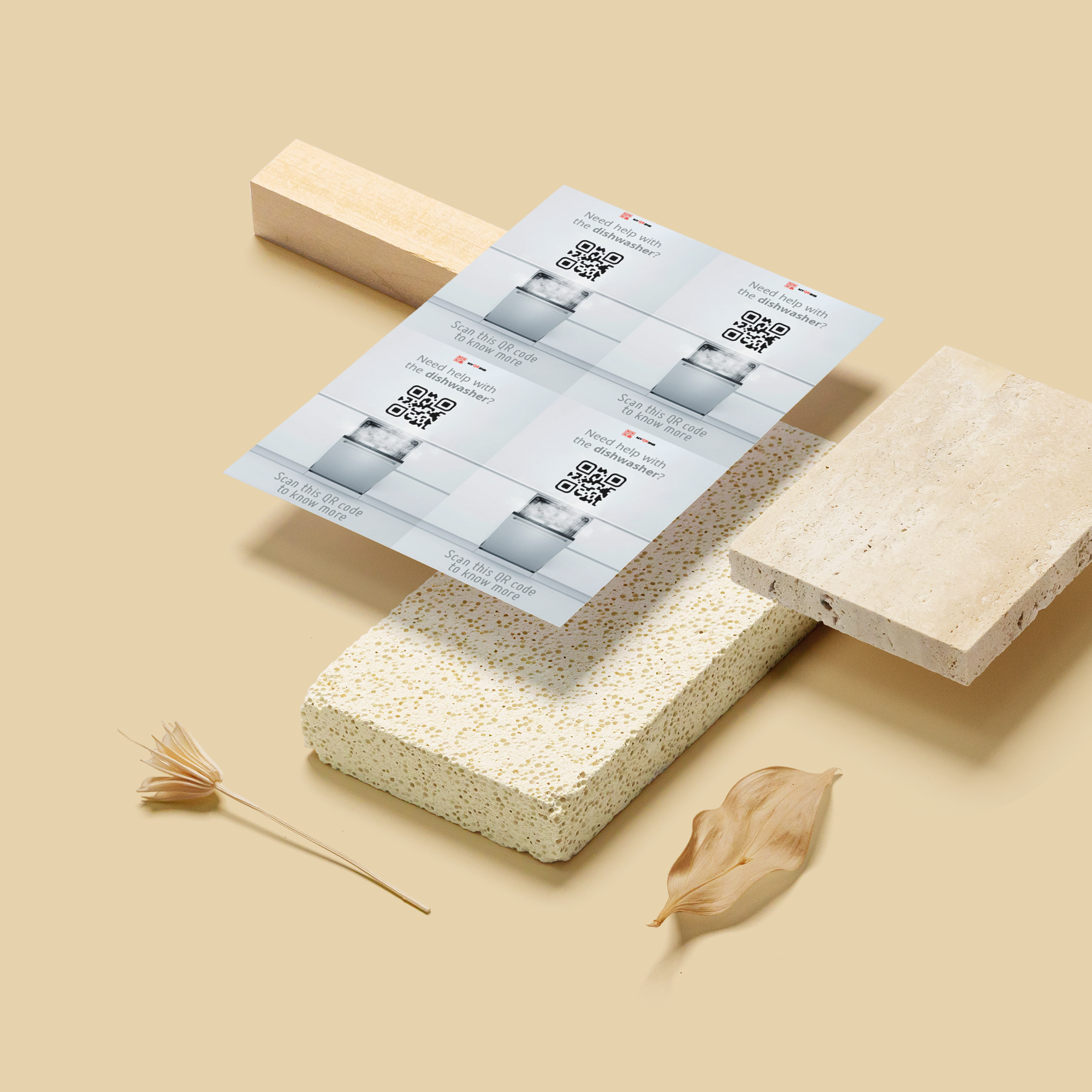 A6 Dishwasher
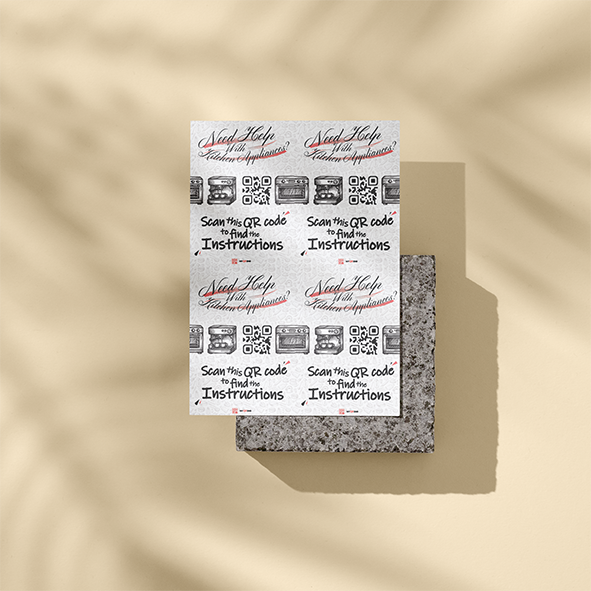 A6 Kitchen Appliances
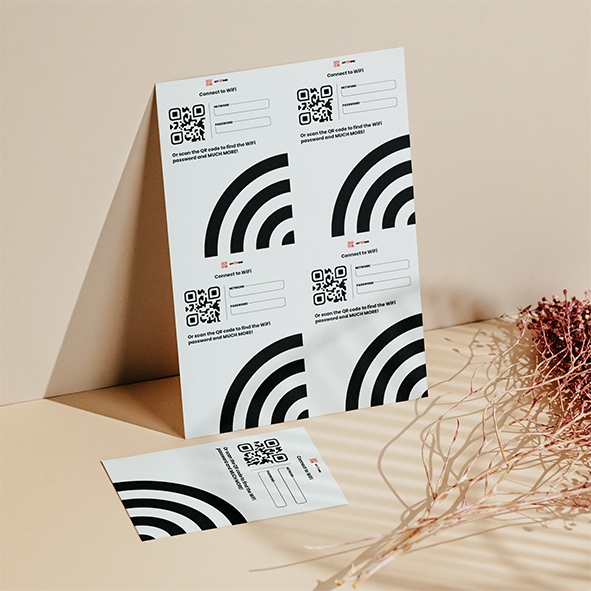 A6 WiFi
A template is a designed visual layout that contains your Airbnb QR code and invites guests to scan it. Instead of placing a plain QR code on a random sheet of paper, you can display it in a way that feels intentional, clear and aligned with your property style.
MyQRBnB templates can be used as paintings, posters, sheets, cards, flyers or mini graphics for specific areas like WiFi, appliances or kitchen instructions.
Once purchased, digital templates will be generated for your current and future QR codes, making it easier to keep a consistent look across one or multiple Airbnb properties.
The best QR code placement depends on the information you want guests to access. A general guest guide works well near the entrance, living room or welcome area.
Smaller templates can also be placed near appliances, the WiFi area, kitchen, washer, dishwasher or other spots where guests may need quick instructions.
 Entrance or welcome area
 Living room
 Kitchen
 Near the WiFi router
 Beside appliances
 Near the washing machine or
dishwasher
Near the washing machine or
dishwasher
Start with one QR code, create your digital guest guide, and choose templates that help guests find the information they need during their stay.
If you want to know which plan fits your property, need help setting up your QR guest guide, or have any other question about MyQRBnB, you can reach us through the contact page.